The Promise and the Risk
Smart home security devices like connected locks, cameras, video doorbells, and alarm systems offer real benefits. You can monitor your home from anywhere, let guests in remotely, and receive instant alerts about unusual activity. However, these devices are only as secure as the networks and accounts that control them.
A poorly secured smart lock or camera can actually reduce your home security by giving attackers a digital way in. The key is proper setup and ongoing maintenance.
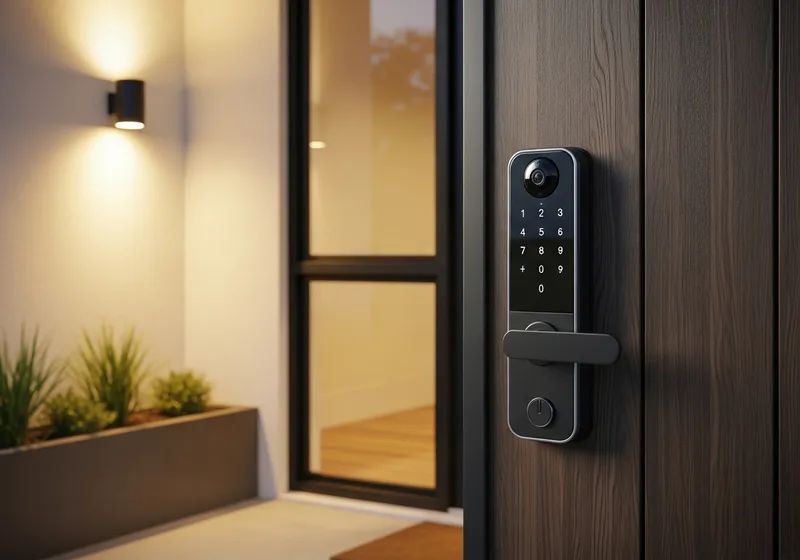
Securing Smart Locks
Smart locks are convenient, but they require careful configuration:
- Use a strong, unique password for the app that controls your lock. This is literally the key to your front door.
- Enable two-factor authentication on the lock's app account.
- Keep a physical backup key in case of battery failure or technical issues with the smart lock.
- Regularly review access logs to see who has unlocked your door and when.
- Remove access for people who no longer need it, such as former housekeepers, past guests, or ex-partners.
Camera and Video Doorbell Safety
Connected cameras and video doorbells provide visibility into what is happening around your home:
- Change the default password as soon as you install any camera. Many devices ship with simple, widely known defaults.
- Position cameras thoughtfully. Indoor cameras in private areas raise both security and privacy concerns. Consider whether you truly need them.
- Use cameras with end-to-end encryption so that only you can view the footage, not the manufacturer or anyone who intercepts the data.
- Review cloud storage settings. Understand where your camera footage is stored, who can access it, and how long it is retained.
Alarm Systems and Sensors
Modern alarm systems connect to your home network and can be controlled via apps. To keep them effective:
- Ensure your system receives regular firmware updates from the manufacturer.
- Test your sensors periodically to confirm they are working properly.
- Use cellular backup for your alarm system so it continues to function if your internet connection goes down.
- Choose systems from manufacturers with a track record of long term support and security updates.
General Home Automation Tips
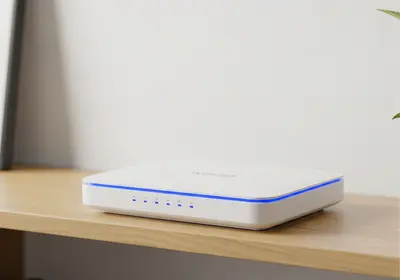
- Place all smart home devices on a separate Wi-Fi network from your computers and phones.
- Disable remote access features you do not actually use.
- Research devices before purchasing. Prioritize brands known for security updates and privacy practices.
- Keep an inventory of all connected devices in your home and review it periodically.
Smart home security devices can genuinely improve your safety when set up properly. Take the time to configure them correctly from the start, and maintain them like you would any important part of your home security system.