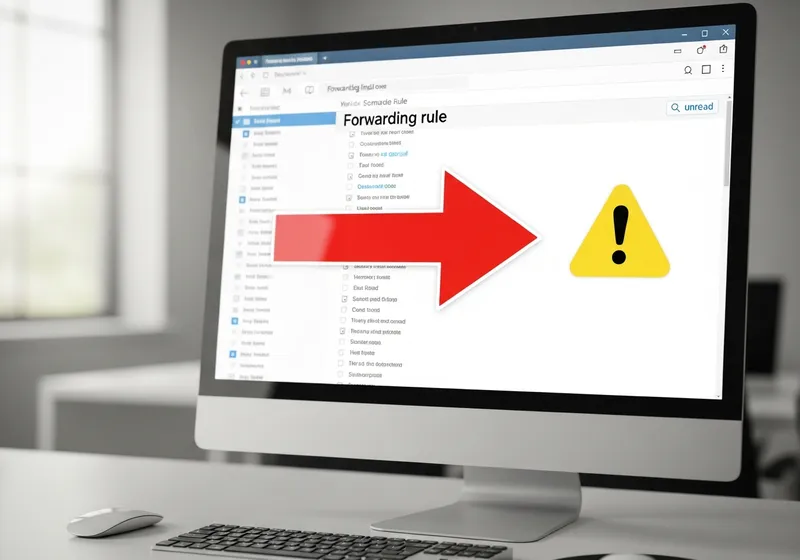
What Is an Email Forwarding Attack?
An email forwarding attack happens when a scammer gains access to your email account and sets up a rule to automatically forward copies of your incoming messages to their own address. They often do this quietly, so you may not notice anything unusual while they collect sensitive information.
This is especially dangerous because the attacker can read your emails without logging in again, even if you change your password.
How Attackers Set This Up
Once a scammer accesses your email, usually through phishing or a data breach, they do not always change your password. Instead, they:
- Create a forwarding rule that sends copies of incoming messages to an external address.
- Set up filters that automatically delete certain emails so you never see them.
- May also create rules to move specific types of messages, like bank notifications, to the trash.
How to Check for Forwarding Rules
Check your email settings regularly:
- Gmail: Go to Settings, then Forwarding and POP/IMAP. Also check Filters and Blocked Addresses.
- Outlook: Go to Settings, then Mail, then Forwarding. Also check Rules.
- Yahoo: Go to Settings, then More Settings, then Mailboxes to check for forwarding addresses.
If you find a forwarding address you do not recognize, remove it immediately.
What to Do If You Find One
- Delete the unauthorized forwarding rule right away.
- Change your email password immediately.
- Enable two-factor authentication if it is not already active.
- Review your email for any sensitive information the attacker may have seen.
- Check your other accounts for unauthorized access, especially banking and social media.
Prevention Tips
Protect yourself from this type of attack by using a strong, unique password for your email, enabling two-factor authentication, and reviewing your email settings periodically. Your email is the gateway to all your other accounts, so keeping it secure should be a top priority.