Why Website Safety Matters
Malicious websites can steal your personal information, install malware on your device, or trick you into making payments to scammers. Learning to quickly evaluate a website's safety is an essential online skill that takes only a few seconds.
Quick Checks You Can Do
Before entering any information on a website, look for these indicators:
- Check the URL carefully: Look for misspellings, extra characters, or unusual domains. "amaz0n-deals.net" is not the same as "amazon.com."
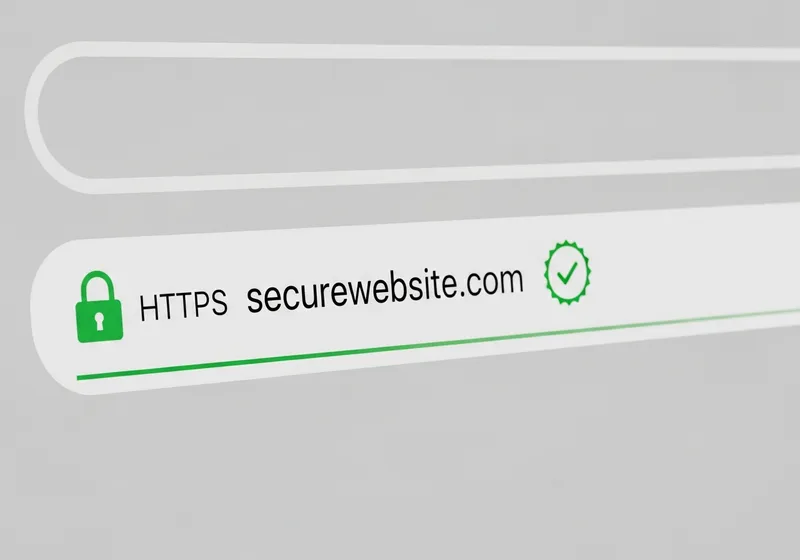
- Look for HTTPS: The address should start with "https://" and show a padlock icon. While HTTPS alone does not guarantee safety, its absence is a red flag.
- Examine the design: Scam websites often have poor grammar, low-quality images, broken links, and inconsistent formatting.
- Check the domain age: New websites created days or weeks ago are more likely to be fraudulent. You can check a domain's age using WHOIS lookup tools.
Use Online Safety Tools
Several free tools can help you evaluate a website:
- Google Safe Browsing: Google's Transparency Report lets you enter a URL to see if it has been flagged for malware or phishing.
- VirusTotal: Paste a URL to have it scanned by multiple security engines at once.
- Browser warnings: Modern browsers will display warnings when you try to visit known dangerous sites. Never ignore these warnings.
Red Flags That a Site Is Unsafe
Be extra cautious if you notice:
- The website asks for excessive personal information for a simple task.
- There is no contact information or the "About" page is vague or missing.
- Pop-ups demand immediate action or claim your device is infected.
- The return and refund policy is missing or unclear on a shopping site.
- Prices seem impossibly low compared to other retailers.
When in Doubt, Do Not Proceed
If anything about a website feels off, trust your instincts. Close the tab and find what you need from a source you already know and trust. It is always better to be cautious than to risk your personal information on a questionable site.