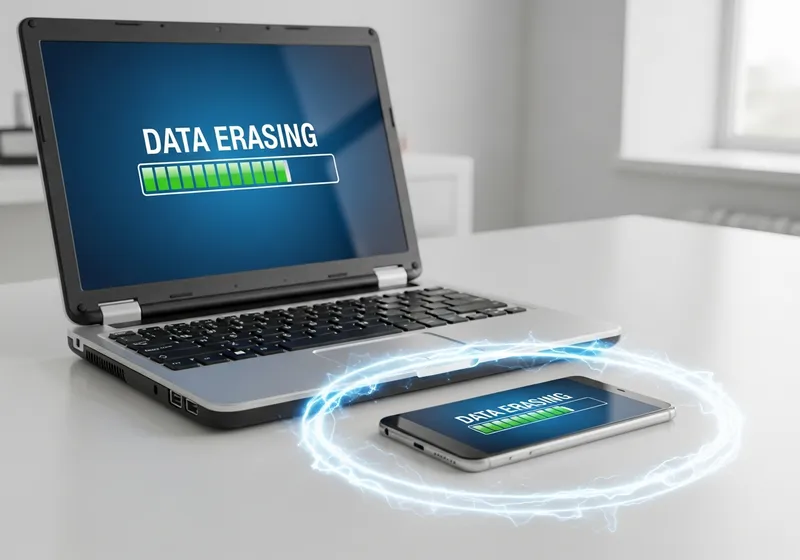
Your Old Device Holds More Than You Think
That old phone in your drawer still contains your photos, messages, saved passwords, banking apps, and possibly even access to your email. Simply deleting files or doing a basic reset may not be enough to protect your data.
Steps Before Getting Rid of Any Device
Follow these steps for every device you plan to recycle, donate, or sell:
- Back up everything: Transfer your photos, contacts, and important files to your new device or a cloud service before wiping anything.
- Sign out of all accounts: Log out of your email, social media, banking apps, and any other services. Do not forget cloud storage services like iCloud or Google Drive.
- Unpair Bluetooth devices: Remove any paired headphones, smartwatches, or other accessories.
- Remove SIM and memory cards: Take out your SIM card and any external storage cards before handing the device over.
How to Factory Reset Properly
A factory reset restores the device to its original state, but the process varies:
- iPhone: Go to Settings, General, Transfer or Reset iPhone, then Erase All Content and Settings.
- Android: Go to Settings, System, Reset, then Factory Data Reset.
- Laptop: Use the built-in reset option in Windows or macOS. For extra security, choose the option to fully erase the drive rather than a quick reset.
For Extra Security
If the device stored highly sensitive information, consider using a data wiping tool that overwrites the storage multiple times. This makes it virtually impossible to recover any data, even with specialized software.
Choose a Reputable Recycler
When recycling electronics, look for certified e-waste recyclers who follow proper data destruction procedures. Many electronics retailers and manufacturers offer take-back programs that handle devices responsibly.
Taking a few extra minutes to properly wipe your old devices protects your personal information long after the device leaves your hands.