Why Camera Security Matters
Internet-connected security cameras are more affordable than ever, but if they are not set up correctly, they can actually decrease your security. Hackers have been known to access poorly secured cameras to spy on homeowners, and some cameras have been found streaming live to public websites.
Choosing the Right Camera
Before buying, consider these security features:
- End-to-end encryption: Look for cameras that encrypt video both in transit and at rest.
- Two-factor authentication: Make sure the camera's app supports 2FA for account access.
- Regular firmware updates: Choose a brand with a track record of releasing security updates.
- Local storage option: Cameras that can store footage on a local SD card or NAS give you more control than cloud-only options.
Setup Best Practices
Once you have your camera, follow these steps for a secure installation:
- Change the default password immediately: Default passwords are publicly known and the first thing attackers try.
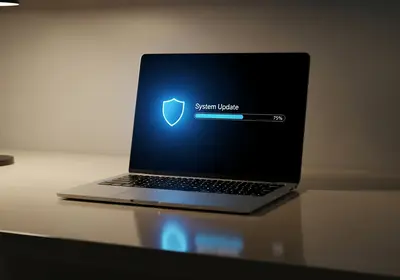
- Update the firmware: Check for and install any available updates before placing the camera.
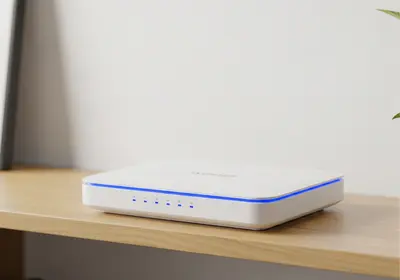
- Put cameras on a separate network: If your router supports it, create a guest network for your smart home devices to isolate them from your main devices.
- Disable features you do not need: Turn off remote access, UPnP, or peer-to-peer features if you do not use them.
Placement Considerations
Think carefully about where you position cameras:
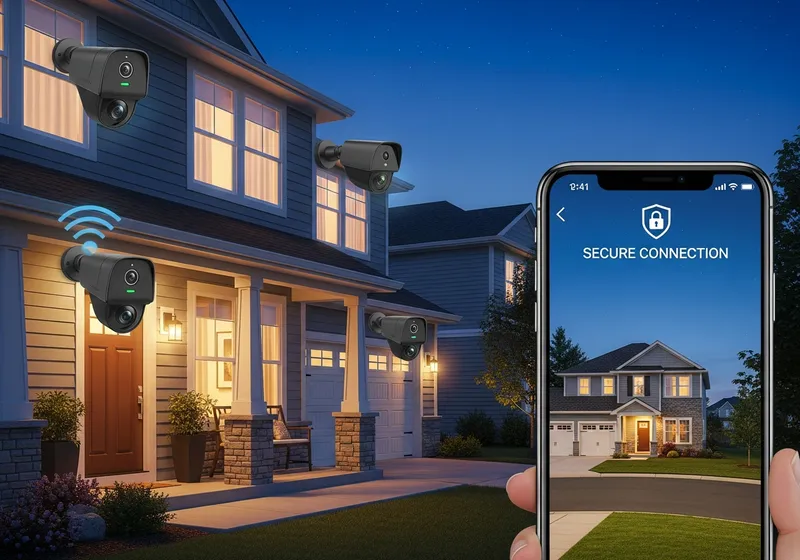
- Cover entry points like front doors, back doors, and garages.
- Avoid pointing cameras at neighbors' property or public spaces where privacy laws may apply.
- Indoor cameras should not be placed in bedrooms or bathrooms.
A well-secured camera system adds real protection to your home. Taking the time to set it up correctly ensures that only you can see your footage.