Why Backups Matter
Hard drives fail, phones get lost, ransomware encrypts files, and accidents happen. Without a backup, your photos, documents, and important files can be gone in an instant. A good backup strategy protects you from all of these scenarios.
The 3-2-1 Rule
The most reliable backup strategy follows the 3-2-1 rule:
- 3 copies of your data (the original plus two backups).
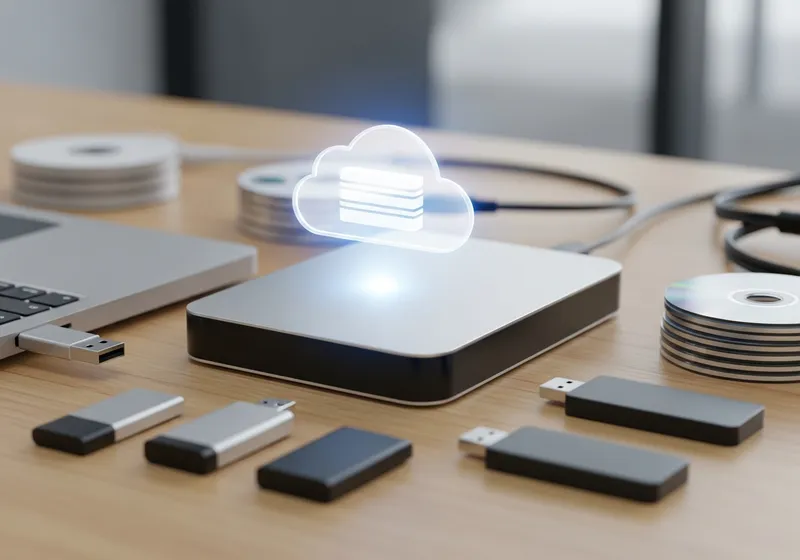
- 2 different types of storage media (for example, your computer's hard drive and an external drive).
- 1 copy offsite (in the cloud or at a different physical location).
This protects you even if one backup method fails or a disaster affects your home.
Cloud Backup Options
Cloud backup services automatically upload your files to secure remote servers. Popular options include:
- Built-in services like iCloud, Google Drive, and OneDrive.
- Dedicated backup services that continuously back up your entire system.
- Photo-specific services that automatically upload your camera roll.
Cloud backups are great because they happen automatically and your data is stored safely away from your home.
Local Backup Options
An external hard drive or USB drive provides a fast local backup. Set up automatic backups using your computer's built-in tools. Time Machine on Mac or File History on Windows are good options. Keep the external drive connected or plug it in on a regular schedule.
What to Back Up
Focus on files you cannot replace:
- Photos and videos.
- Important documents like tax records and contracts.
- Password manager databases.
- Work projects and creative files.
Make It Automatic
The best backup is one you do not have to think about. Set up automatic backups and let them run in the background. Check periodically to make sure they are working, and test restoring a file occasionally to confirm your backups are usable.
A few minutes of setup now can save you from catastrophic data loss later.