Consoles Are Computers Too
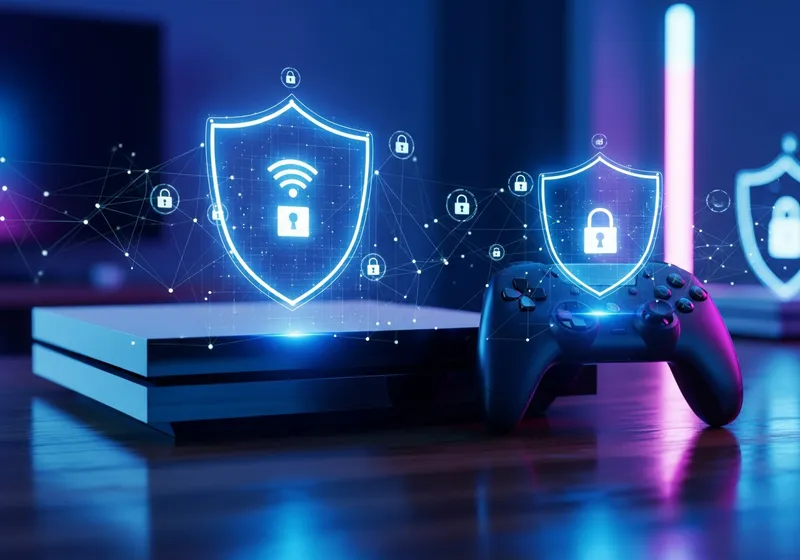
Modern gaming consoles are essentially specialized computers connected to the internet. They store payment information, personal details, and have access to your home network. This makes them a target for the same kinds of threats that affect PCs and phones.
Common Gaming Security Risks
Gamers face several specific threats:
- Account takeover: If someone guesses or steals your gaming account password, they can make purchases, steal your game library, or impersonate you online.
- Phishing messages: Scammers send messages through gaming platforms offering free items, currency, or account upgrades that lead to fake login pages.
- Voice chat risks: Strangers in multiplayer games may try to extract personal information through conversation.
- Malicious links: Links shared in game chats or on gaming forums can lead to malware or scam websites.
How to Stay Safe
Protect your gaming accounts and console with these steps:
- Enable two-factor authentication: PlayStation, Xbox, and Nintendo all support 2FA. Turn it on for every gaming account you own.
- Use a unique password: Do not reuse passwords from your email or bank for gaming accounts.
- Set up purchase controls: Require a PIN or password before any purchase can be made to prevent unauthorized spending.
- Keep your console updated: Install system updates promptly, as they often include security fixes.
- Be cautious with strangers: Do not share personal details like your real name, school, workplace, or location in game chats.
Parental Controls
If children use the console, enable parental controls to restrict online interactions, limit spending, and filter content. Every major console has a dedicated parental controls app or settings menu that takes just a few minutes to set up.
Gaming should be fun and safe. A few simple precautions can protect your accounts and your family from common threats.