Apps Often Ask for More Than They Need
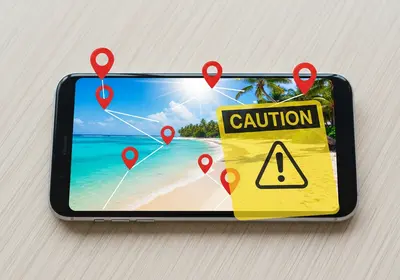
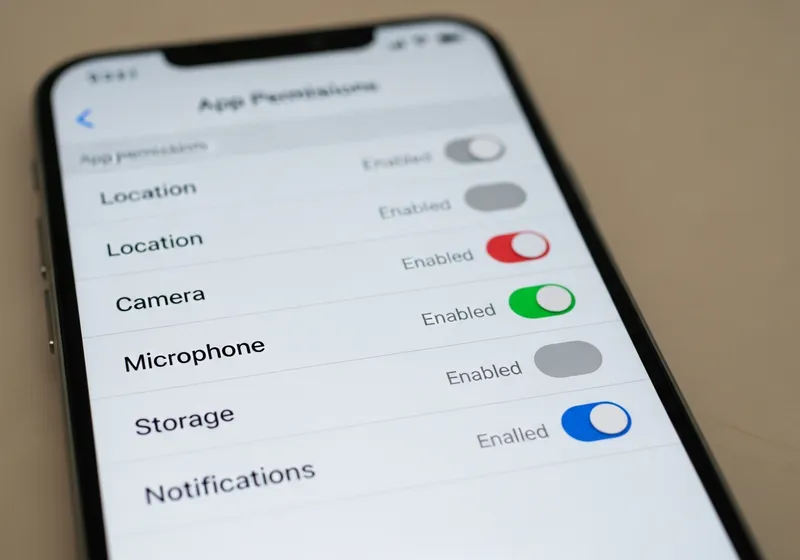
When you install an app, it may ask for permission to access your camera, microphone, location, contacts, and storage. Some of these permissions make sense. A navigation app needs your location, and a video calling app needs your camera. But many apps request access to things they do not actually need to function.
Why This Matters
Unnecessary permissions create privacy risks:
- An app with location access can track where you go throughout the day.
- An app with contact access can harvest your friends' phone numbers and email addresses.
- An app with microphone access could theoretically listen to conversations.
- Even if an app does not misuse these permissions today, it could be sold to a new company that will.
How to Review Your Permissions
Both iPhone and Android make it easy to check:
- iPhone: Go to Settings then Privacy and Security. Tap each category like Camera or Microphone to see which apps have access.
- Android: Go to Settings then Privacy then Permission Manager. You will see a list of permissions and which apps use each one.
What to Change
As you review your permissions, ask yourself these questions:
- Does this app genuinely need this permission to work?
- Would I be comfortable with this app tracking my location all the time?
- Is there a "While Using" option instead of "Always" for location?
When in doubt, revoke the permission. If the app truly needs it, it will ask again when you use the relevant feature.
Make It a Regular Habit
New apps request permissions, and existing apps sometimes add new ones through updates. Set a reminder to review your permissions every few months. It only takes a couple of minutes and gives you much more control over your personal data.