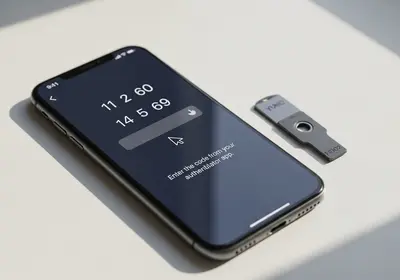
The Problem with Passwords
Passwords have been the standard way to log in to accounts for decades, but they come with well known problems. People reuse them, make them too simple, forget them, and fall victim to phishing attacks that steal them. No matter how strong your password habits are, the system itself has fundamental weaknesses.
Passwordless authentication aims to solve these problems by replacing passwords with more secure and convenient alternatives.
What Are Passkeys?
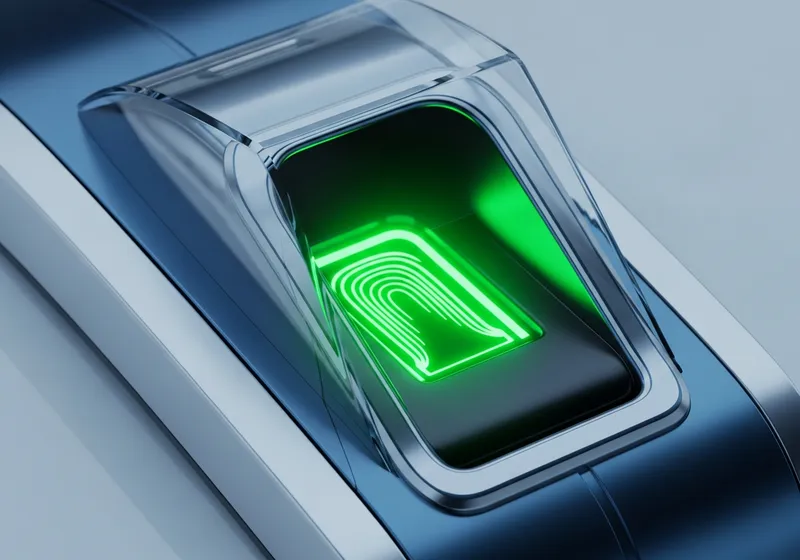
Passkeys are the most promising passwordless technology. Instead of typing a password, you verify your identity using something you already have, like your fingerprint, face scan, or device PIN. Here is how they work:
- When you create a passkey for a website, your device generates a unique pair of cryptographic keys.
- The private key stays on your device and never leaves it. The public key is stored by the website.
- When you log in, your device proves it has the private key without ever sending it over the internet.
- You authenticate locally using your fingerprint, face, or PIN. This is the same way you unlock your phone.
Why Passkeys Are More Secure
Passkeys solve several problems that plague traditional passwords:
- No phishing risk: Because the private key never leaves your device and is tied to a specific website, phishing sites cannot steal it.
- No password reuse: Each passkey is unique to a specific service, so a breach at one company does not affect your other accounts.
- Nothing to remember: You do not need to memorize anything. Your device handles the authentication.
- Resistant to data breaches: Even if a website is breached, the public key stored there is useless to attackers without your device.
How to Start Using Passkeys
Many major services already support passkeys, including Google, Apple, Microsoft, and numerous other websites. Getting started is straightforward:
- Go to the security settings of a supported website or app.
- Look for an option to create a passkey or set up passwordless login.
- Follow the prompts to register your device using your fingerprint, face, or PIN.
- Next time you log in, you will use your biometric or PIN instead of a password.
What About Password Managers?
Password managers remain valuable even in a passwordless world. Many password managers now support storing and syncing passkeys across your devices, making the transition seamless. They also continue to manage traditional passwords for services that have not yet adopted passkeys.
Looking Ahead
The shift to passwordless authentication is gradual. You do not need to switch everything overnight. Start by enabling passkeys on your most important accounts and continue using strong passwords with a password manager for everything else. The future of logging in is simpler and more secure, and it is already here.