MFA Is Not as Hard as You Think
Multi-factor authentication, or MFA, adds an extra verification step when you log in. Despite being one of the most effective security measures available, many people skip it because of myths and misunderstandings.
Common Myths About MFA
Let us address the most frequent objections:
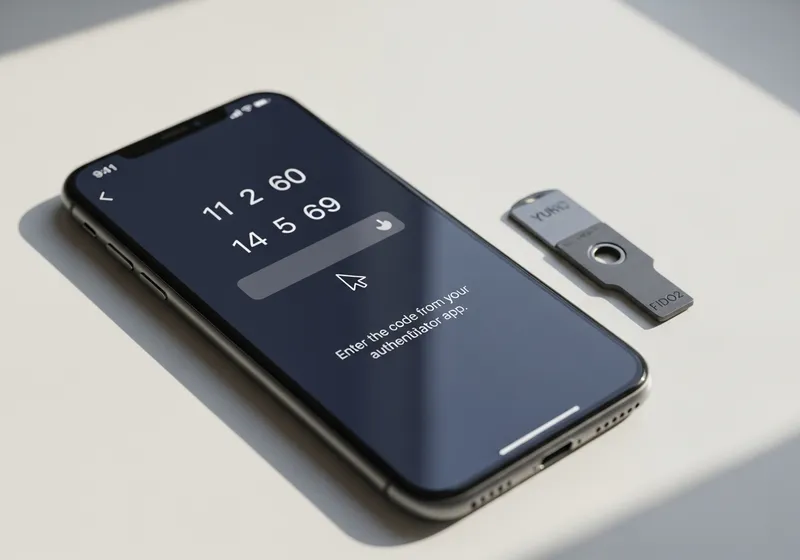
- Myth: It takes too long. In reality, entering a six-digit code or tapping a notification adds about 10 seconds to your login. Most services remember your device so you only need to verify occasionally.
- Myth: It is only for tech experts. MFA is designed for everyone. Setting it up usually involves scanning a QR code or confirming a text message. No technical skills are required.
- Myth: SMS codes are not worth using. While authenticator apps are more secure, SMS-based MFA is still far better than no MFA at all. Any second factor dramatically reduces your risk.
- Myth: I will get locked out if I lose my phone. Every service that offers MFA also provides backup codes or recovery options. Save these when you set up MFA and you will always have a way back in.
Why MFA Makes a Real Difference
According to security researchers, MFA blocks over 99 percent of automated account attacks. Even if an attacker has your password from a data breach, they cannot get past the second factor without access to your phone or authenticator app.
Getting Started
If you have been putting off enabling MFA, start with your most important accounts:
- Your primary email account (this is the key to resetting all other passwords).
- Your bank and financial accounts.
- Social media profiles.
- Cloud storage services.
The Bottom Line
MFA is quick to set up, easy to use, and provides a massive boost to your account security. Do not let myths keep you from one of the simplest and most effective ways to protect yourself online.