What Is Biometric Security?
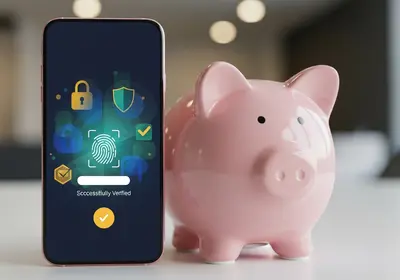
Biometric security uses your unique physical characteristics, such as your fingerprint, face, or iris, to verify your identity. Instead of remembering a password or PIN, you simply touch a sensor or look at your device. It is fast, convenient, and increasingly common on smartphones, laptops, and tablets.
Most modern devices include some form of biometric authentication, and it has become a standard way to unlock phones, authorize payments, and access apps.
How It Works
When you set up biometric security, your device creates a mathematical representation of your fingerprint or face. This template is stored securely on your device, typically in a special hardware chip designed to protect sensitive data. Important points to understand:
- Your actual fingerprint or face image is not stored. The device keeps only a mathematical model that cannot be reverse-engineered into an image.
- Biometric data stays on your device. It is not uploaded to a server or shared with app developers.
- Matching happens locally. When you scan your finger or face, the device compares it against the stored template right on the device.
Fingerprint vs. Face Recognition
Both methods are considered secure for everyday use, with slight differences:
- Fingerprint sensors require physical contact and work well in most conditions. They can occasionally struggle with wet or dirty fingers.
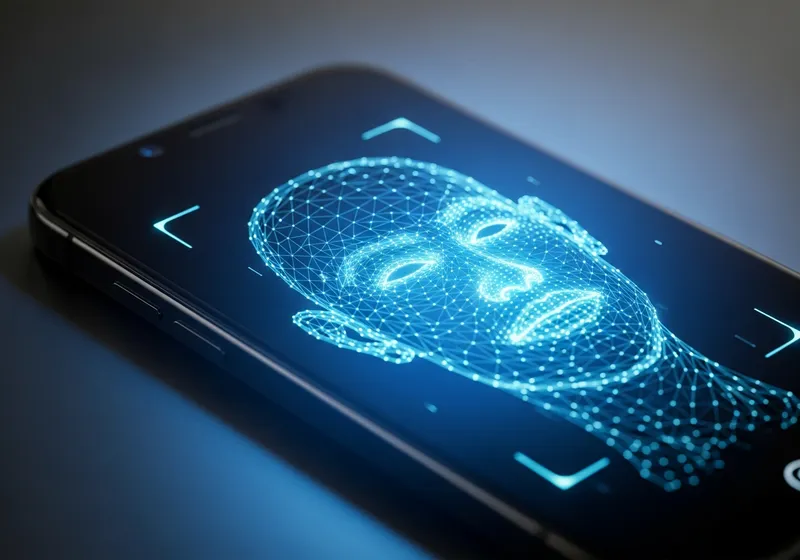
- Face recognition is hands-free and convenient. Advanced systems use infrared sensors to create a 3D map of your face, making them difficult to fool with photos. Simpler systems that rely on a standard camera are less secure.
Benefits of Biometric Security
- Convenience: Unlocking your device takes less than a second.
- Encourages device locking: Because it is so easy to use, people are more likely to keep their devices locked.
- Difficult to steal: Unlike a password, your fingerprint or face cannot be guessed or phished through a fake email.
- Supports passkeys: Biometrics are a key component of the new passwordless login systems discussed in our passkeys article.
What to Keep in Mind
Biometric security is strong, but it is not perfect:
- Always set a backup PIN or password. If the sensor fails or you injure your finger, you need an alternative way to access your device.
- Biometrics cannot be changed. If a password is stolen, you change it. You cannot change your fingerprint. This is why keeping biometric data stored locally on secure hardware is so important.
- Know your legal rights. In some jurisdictions, authorities may be able to compel you to unlock your device with your fingerprint or face, whereas a password may receive stronger legal protection.
Getting the Most from Biometrics
- Enable biometric authentication on your phone, laptop, and tablet.
- Use biometrics in combination with a strong backup password.
- Keep your device software updated to benefit from the latest security improvements.
- Register multiple fingerprints if your device supports it, in case one finger is unavailable.
Biometric security makes protecting your devices effortless. Combined with a strong backup password and good security habits, it provides a solid layer of defense for your daily digital life.