Your Browser Is Your Gateway
Your web browser is the tool you use for almost everything online, from email and banking to shopping and socializing. The browser you choose and how you configure it has a major impact on your privacy and security.
Popular Browsers Compared
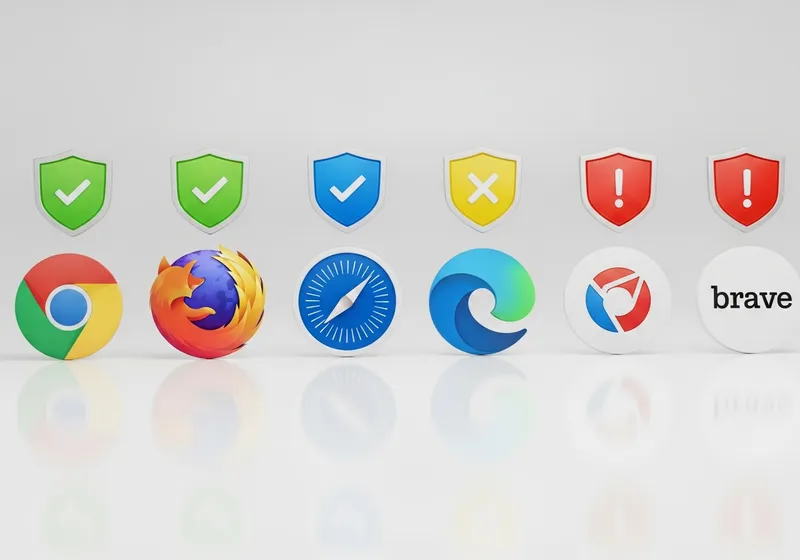
Here is a quick overview of how the most common browsers handle privacy:
- Chrome: Fast and feature-rich, but collects significant browsing data for Google's advertising business. Offers good security features but weaker privacy defaults.
- Firefox: Open-source with strong privacy features built in, including Enhanced Tracking Protection that blocks many trackers by default.
- Safari: Apple's browser includes Intelligent Tracking Prevention and hides your IP address from trackers. A solid choice for Apple users.
- Edge: Microsoft's browser offers good security but, like Chrome, collects browsing data. Includes a built-in tracking prevention feature.
- Brave: Blocks ads and trackers by default. Built on the same engine as Chrome so it supports the same extensions, but with privacy as the priority.
Key Privacy Features to Look For
Regardless of which browser you choose, make sure these features are enabled:
- Tracker blocking: Prevents websites from tracking you across the internet.
- HTTPS-only mode: Forces secure connections wherever possible.
- Cookie controls: Lets you block third-party cookies that are used for tracking.
- Password manager: Built-in password management for generating and storing unique passwords.
Extensions That Help
Add a few privacy-focused extensions for extra protection. An ad blocker, a script blocker, and a privacy extension that grades websites can significantly improve your browsing safety.
The best browser for privacy is the one you take the time to configure properly. Spend a few minutes in your settings and you will be much better protected online.