Your Phone Knows Everything About You
Think about what is on your phone right now. You have emails, banking apps, photos, contacts, messages, and social media. If someone picked it up unlocked, they would have access to your entire digital life. Taking a few minutes to secure your phone is one of the best things you can do for your personal security.
The 10-Minute Phone Security Checklist
Work through these steps to lock down your phone quickly:
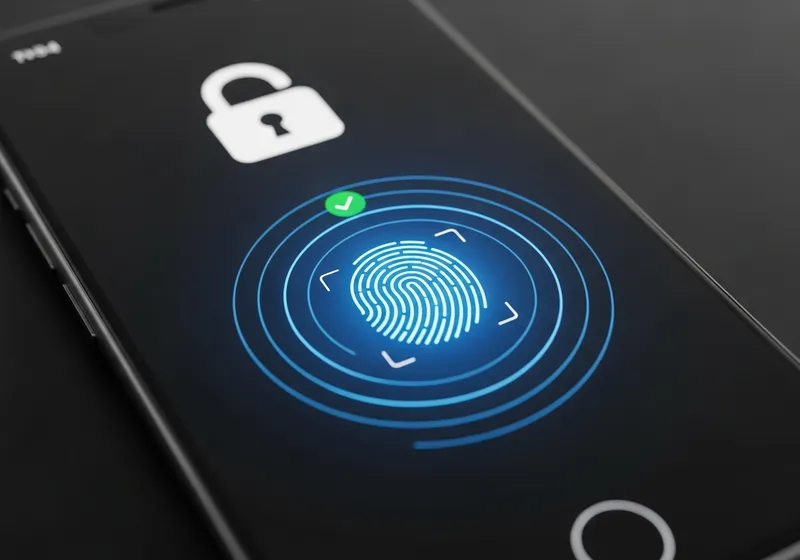
- Set a strong lock screen: Use a PIN of at least six digits, or better yet, use biometrics like fingerprint or face recognition. Avoid simple patterns that are easy to guess.
- Enable auto-lock: Set your phone to lock after 30 seconds or one minute of inactivity.
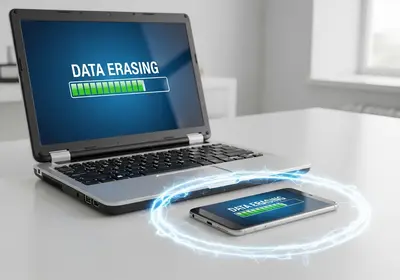
- Turn on Find My Device: Both iPhone and Android have built-in features that let you locate, lock, or erase your phone remotely if it is lost or stolen.
- Update your operating system: Go to Settings and check for system updates. Install any that are available.
- Review app permissions: Check which apps have access to your camera, microphone, location, and contacts. Remove permissions that are not necessary.
A Few More Quick Wins
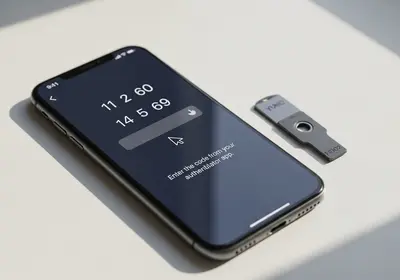
- Enable two-factor authentication on your most important apps, including email, banking, and social media.
- Turn off Bluetooth and Wi-Fi when you are not using them to reduce your attack surface.
- Disable lock screen notifications for sensitive apps so messages and codes are not visible without unlocking.
Small Effort, Big Payoff
None of these steps take more than a minute or two individually, and together they significantly improve your phone's security. You carry your phone everywhere. Make sure it is ready to protect your information if it ever falls into the wrong hands.