Fake Apps Are More Common Than You Think
App stores do their best to filter out malicious apps, but some still slip through. These fake apps often disguise themselves as popular tools, games, or utilities. Once installed, they can steal personal data, display intrusive ads, or even take control of parts of your phone.
Warning Signs to Watch For
Before downloading any app, take a moment to check for these red flags:
- Low download numbers with high ratings: A brand-new app with thousands of five-star reviews but very few downloads is suspicious.
- Generic or copied descriptions: Fake apps often have poorly written descriptions or copy text directly from legitimate apps.
- Unusual permissions: A calculator app asking for access to your contacts, camera, and microphone is a clear warning sign.
- Developer name does not match: Check whether the developer name matches the official company behind the app you are looking for.
How to Stay Safe
Follow these simple habits when downloading apps:
- Only download from official app stores like Google Play or the Apple App Store.
- Search for the app by name rather than clicking links from ads or messages.
- Read recent reviews. Look for complaints about unexpected behavior.
- Check the app's update history. Legitimate apps are updated regularly.
What to Do If You Installed a Fake App
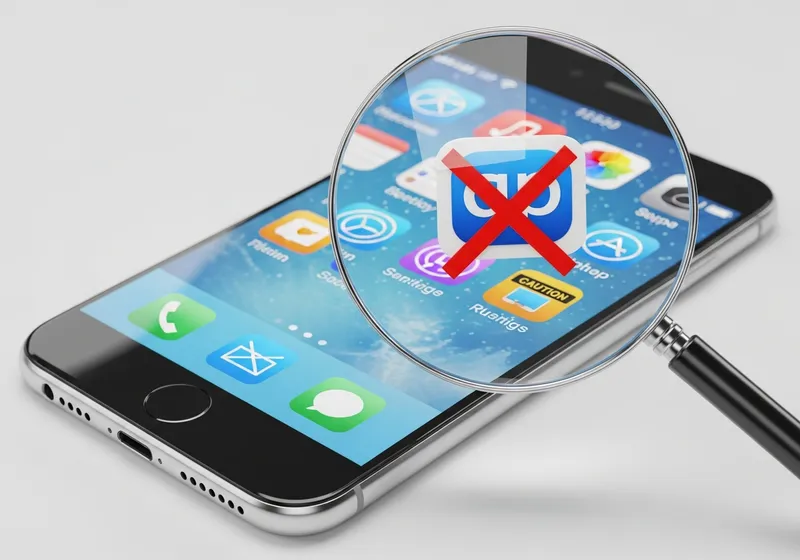
If you suspect an app is fake, uninstall it immediately. Then check your phone's permissions to make sure nothing else has changed. Run a security scan with a trusted antivirus app, and change passwords for any accounts you used while the app was installed.
A few seconds of caution before downloading can save you from a lot of trouble later.