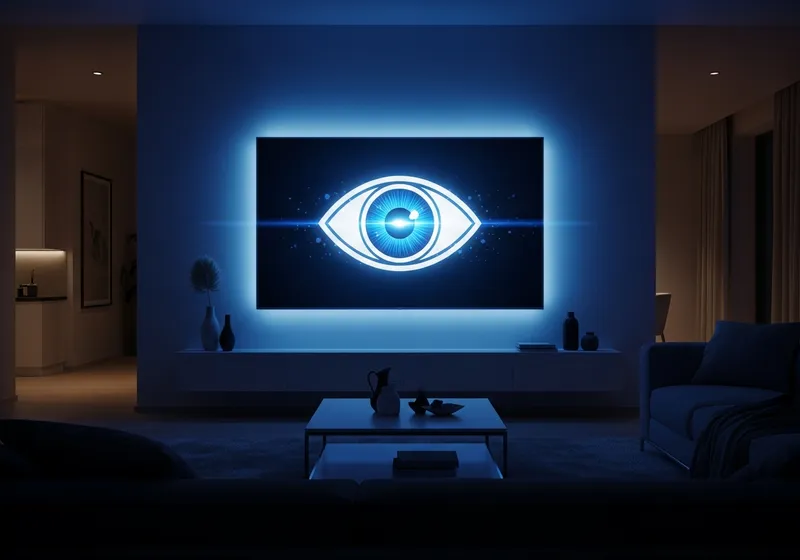
What Smart TVs Collect
Your smart TV is more like a large tablet than a traditional television. It connects to the internet, runs apps, and in many cases tracks what you watch. This technology is called Automatic Content Recognition (ACR), and it identifies the shows, movies, and commercials you view.
This data is often shared with advertisers who use it to serve you targeted ads, not just on your TV but across your other devices as well.
Other Data Your TV May Gather
- Voice data: If your TV has a built-in microphone for voice commands, it may be listening more than you realize.
- Connected device information: Your TV can detect other devices on your home network.
- App usage: Which streaming services you use, how long you watch, and what you search for.
- Location data: Some TVs use your IP address to determine your approximate location.
How to Improve Your Smart TV Privacy
Most of these tracking features can be disabled in your TV's settings:
- Disable ACR: Look in your TV's privacy or viewing data settings and turn off content recognition. The exact name varies by brand.
- Turn off the microphone: If your TV has voice control, disable it or mute the microphone when not in use.
- Limit ad tracking: Most smart TVs have an option to limit personalized advertising.
- Review app permissions: Check which apps have access to your data and remove any you do not use.
- Keep your TV updated: Install firmware updates to benefit from security patches.
Consider a Streaming Device Instead
If privacy is a top concern, you can disconnect your smart TV from Wi-Fi entirely and use a separate streaming device that gives you more control over privacy settings.
Enjoy Your Screen Privately
Smart TVs are great entertainment centers, but their default settings often favor data collection over privacy. Spending a few minutes adjusting your preferences can significantly reduce the amount of information your TV shares about you.


