Your Home Network Is Your Office Network
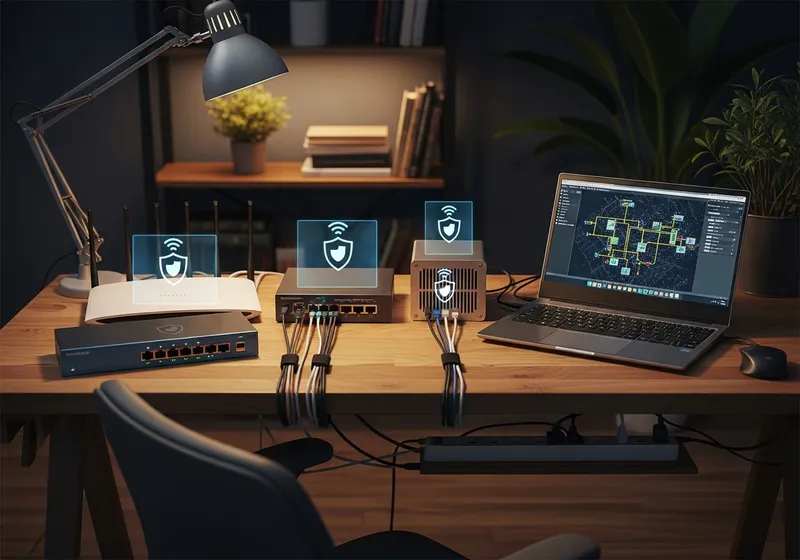
When you work from home, your personal Wi-Fi handles sensitive work data like emails, documents, video calls, and access to company systems. If your home network is not properly secured, it creates vulnerabilities that could affect both your personal and professional data.
Essential Steps to Secure Your Network
Start with these fundamentals:
- Change the default router password: Routers come with factory-set passwords that are easy to look up online. Change yours to something strong and unique.
- Update your router firmware: Check your router manufacturer's website or app for firmware updates. These fix security vulnerabilities.
- Use WPA3 encryption: If your router supports it, enable WPA3. If not, use WPA2 at minimum. Never use WEP, which is outdated and easily cracked.
- Create a separate network for work: Many routers support guest networks. Put your work devices on a separate network from your smart home gadgets and family devices.
Protect Your Work Devices
Your network is only as strong as the devices connected to it:
- Keep your work computer's operating system and software up to date.
- Use your company's VPN when accessing work resources.
- Enable your computer's firewall.
- Do not let family members use your work devices for personal browsing or gaming.
Physical Security Matters Too
Working from home does not mean you can forget about physical security:
- Lock your computer when you step away, even at home.
- Position your screen away from windows to prevent shoulder surfing.
- Shred sensitive work documents instead of tossing them in the trash.
Regular Maintenance
Set a quarterly reminder to review your network security. Check for firmware updates, review connected devices, change passwords if needed, and ensure your security measures are still in place.
A secure home office protects both your career and your personal life. These steps take only a few minutes but provide lasting peace of mind.