What Authenticator Apps Do
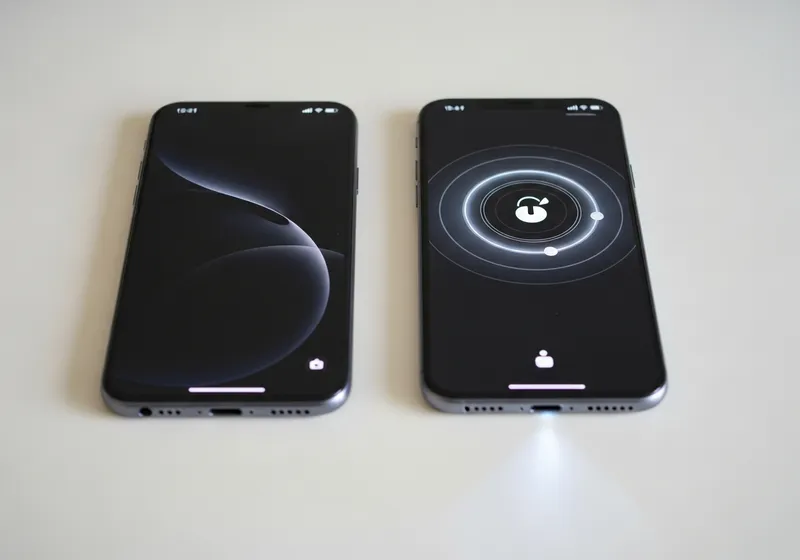
An authenticator app generates a short numeric code that changes every 30 seconds. When you log in to an account that has two-factor authentication enabled, you enter your password first and then type the current code from the app. Since the code changes constantly and only exists on your phone, it is very difficult for anyone else to use it.
Why Apps Are Better Than Text Messages
Text message (SMS) codes are a good starting point for two-factor authentication, but they have some weaknesses. Text messages can be intercepted, and there is a growing type of fraud called SIM swapping where attackers convince your phone carrier to transfer your number to their device.
Authenticator apps avoid both of these issues because the codes are generated directly on your phone and never travel over the network. They also work without cell service or an internet connection.
Setting Up an Authenticator App
Getting started is straightforward:
- Download an authenticator app from your phone's app store.
- Go to the security settings of the account you want to protect.
- Choose the authenticator app option and scan the QR code shown on screen.
- The app will start generating codes for that account immediately.
You can add multiple accounts to the same app, so you only need one authenticator for everything.
The Importance of Backup Codes
When you set up two-factor authentication, most services provide a set of backup codes. These are one-time-use codes that let you log in if you cannot access your authenticator app. Store these somewhere safe. A printed copy in a secure location or in your password manager works well.
What If You Lose Your Phone?
Losing your phone does not have to mean getting locked out of your accounts. If you saved your backup codes, you can use them to log in and set up two-factor authentication on a new device. Some authenticator apps also offer cloud backup or the ability to transfer accounts to a new phone. Check your app's settings to see what options are available.
A Small Step for Big Protection
Authenticator apps are free, easy to use, and provide much stronger protection than passwords alone. Setting one up takes a few minutes per account, and the security benefit is well worth the effort.