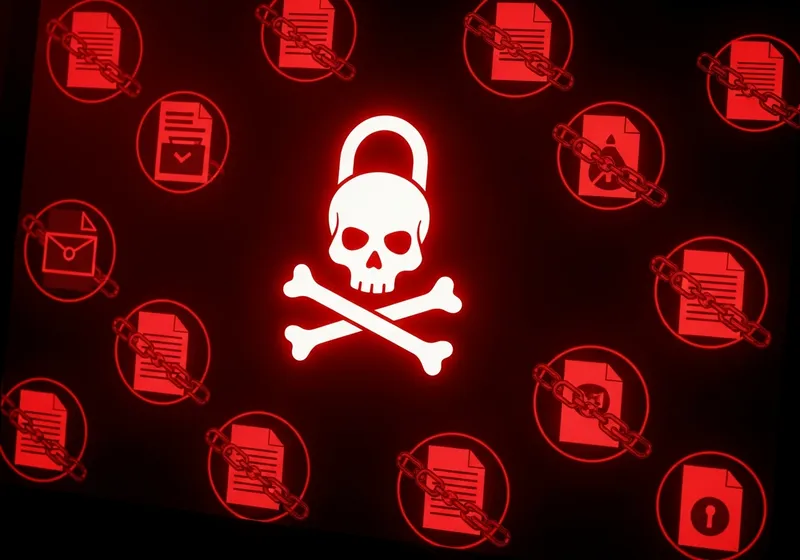
Ransomware Explained Simply
Ransomware is a type of malicious software that locks your files by encrypting them. The attacker then demands payment, usually in cryptocurrency, in exchange for the key to unlock your data. Until you pay or recover your files another way, everything from family photos to work documents can be completely inaccessible.
It Is Not Just a Corporate Problem
While ransomware attacks on hospitals and businesses make the news, individuals are targeted too. Attackers send ransomware through phishing emails, infected downloads, and malicious websites. Anyone who clicks the wrong link or opens the wrong attachment can be affected.
How Ransomware Spreads
The most common ways ransomware reaches your device include:
- Phishing emails: Messages with infected attachments or links that download ransomware when clicked.
- Malicious downloads: Software from untrusted websites that carries ransomware hidden inside.
- Exploiting outdated software: Attackers target known security holes in software that has not been updated.
How to Protect Yourself
Prevention is much easier than recovery. Follow these steps:
- Back up your files regularly: Keep backups on an external drive or cloud service. If your files are backed up, ransomware loses its power over you.
- Keep everything updated: Install software updates as soon as they are available.
- Be cautious with email: Do not open attachments or click links from unknown senders.
- Use security software: A good antivirus can detect and block many ransomware variants.
Should You Pay the Ransom?
Security experts and law enforcement generally advise against paying. There is no guarantee you will get your files back, and paying funds criminal activity. Your best defense is having recent backups so you can restore your files without paying a cent.