The Forgotten Password
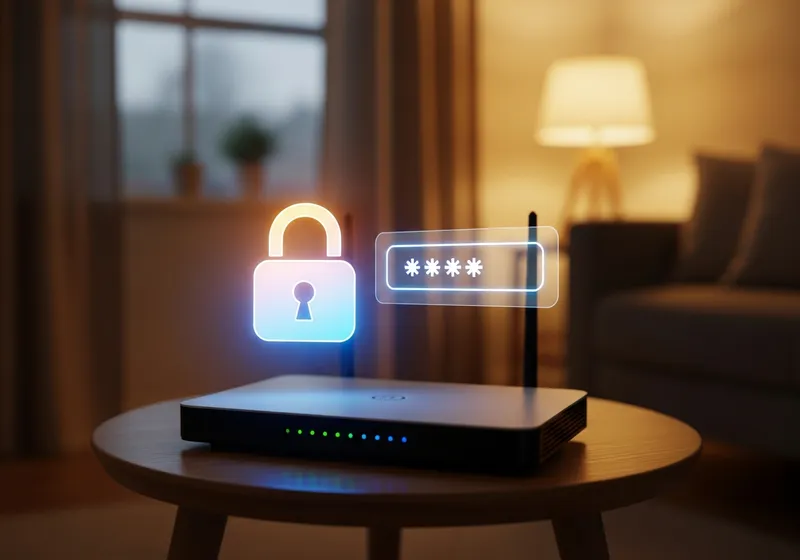
Your home router is the gateway to everything you do online. Yet most people set it up once and never think about it again. If your router still uses the default username and password it came with, anyone who knows the brand can look up those credentials online and log in to your network.
What Can Go Wrong
If someone gains access to your router, they can:
- See all the devices connected to your network.
- Redirect your internet traffic to malicious websites.
- Change your DNS settings to intercept your browsing.
- Use your internet connection for illegal activity.
This is not just theoretical. Attacks targeting home routers with default passwords happen regularly.
How to Change Your Router Password
Changing your router password is straightforward:
- Open a web browser and type your router's IP address. It is usually 192.168.0.1 or 192.168.1.1.
- Log in with the current username and password. Check the sticker on your router if you have not changed them.
- Find the administration or settings section and change both the admin password and the Wi-Fi password.
- Use a strong, unique password that is at least 12 characters long.
Extra Steps Worth Taking
While you are in your router settings, consider these quick improvements:
- Make sure your Wi-Fi encryption is set to WPA3 or WPA2. Never use WEP.
- Disable remote management unless you specifically need it.
- Check for firmware updates and install them.
Spending five minutes on your router today can prevent serious problems down the road. It is one of the simplest and most overlooked steps in home security.